Know your plan’s terminal budget
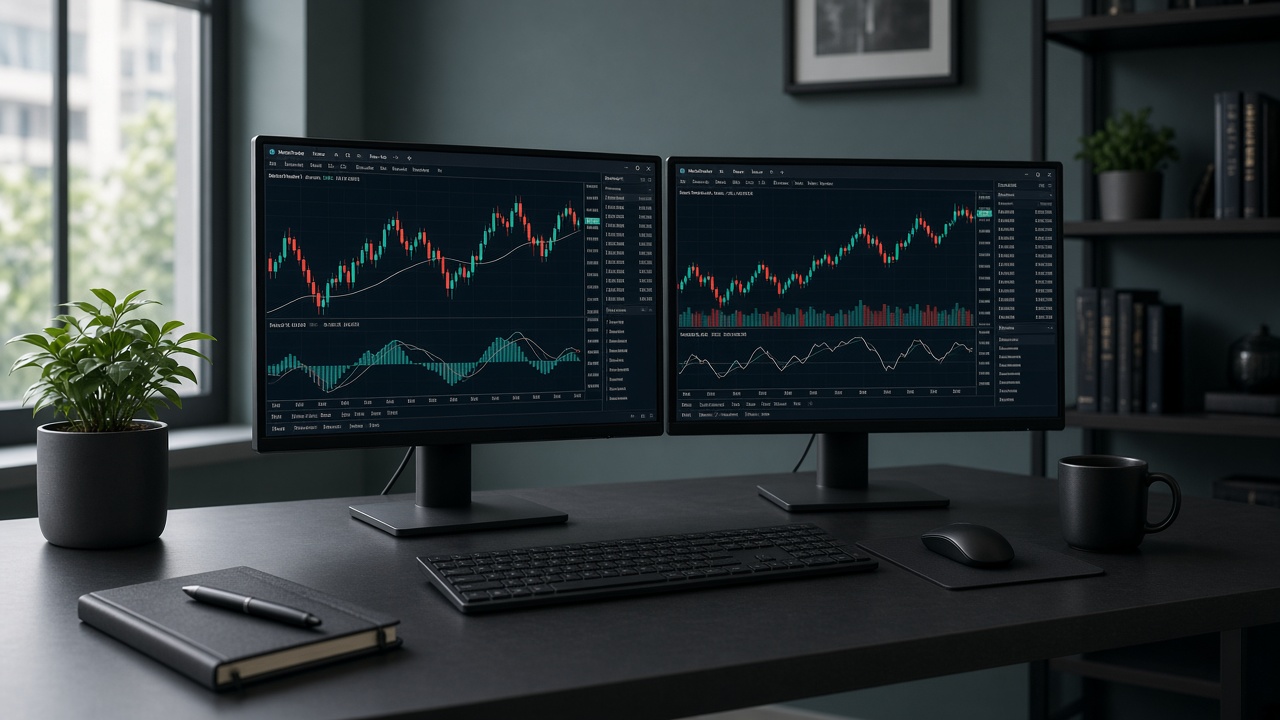
VexaVPS plans are sized for concurrent MetaTrader use: Scalper up to 2, Trader 3, Pro Desk 6, Fund Desk 12. “Concurrent” means open and connected at the same time — not merely installed.
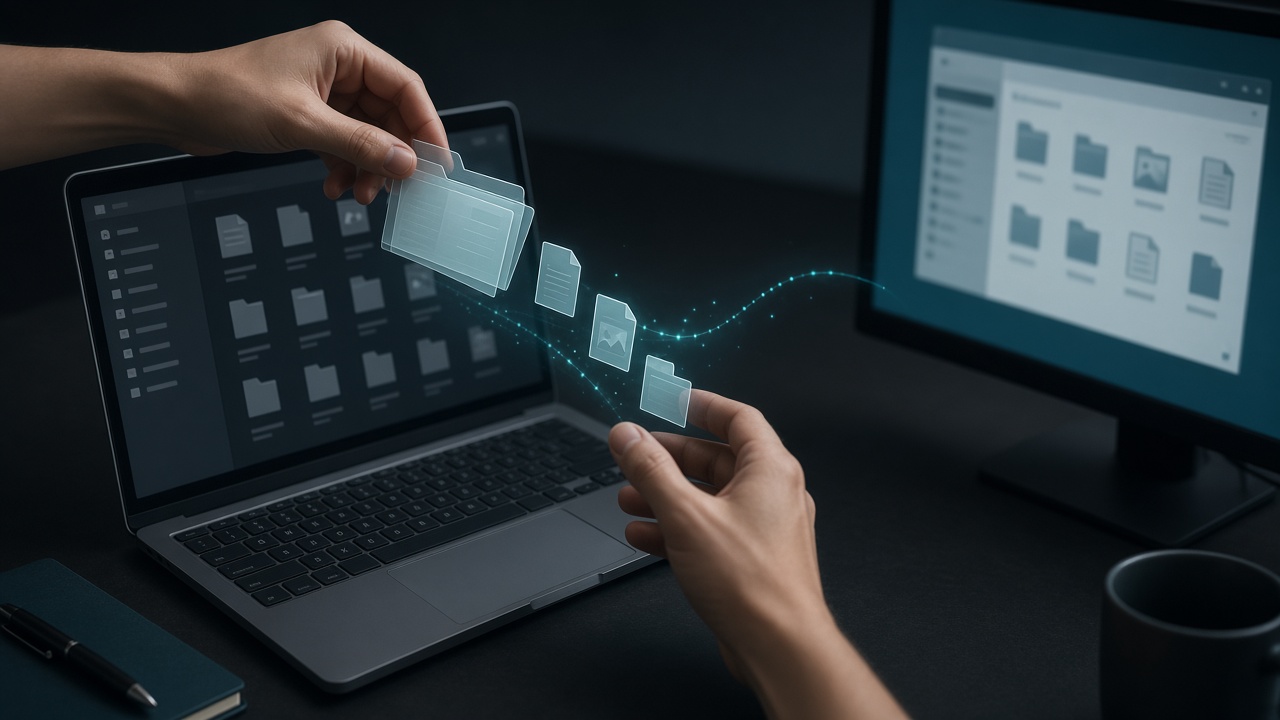
Install to separate directories
Run the broker installer and choose a custom path instead of the default Program Files path when you need a second copy. Example: C:\Trading\MT4-BrokerA and C:\Trading\MT5-BrokerB. This avoids shared settings collisions.
Label shortcuts and profiles
After install, create desktop shortcuts named clearly (Live-Scalper, Demo-News). Optionally use /portable where supported, or rely on separate data folders created by each install. Keep chart profiles distinct so you do not overwrite layouts.
Resource hygiene
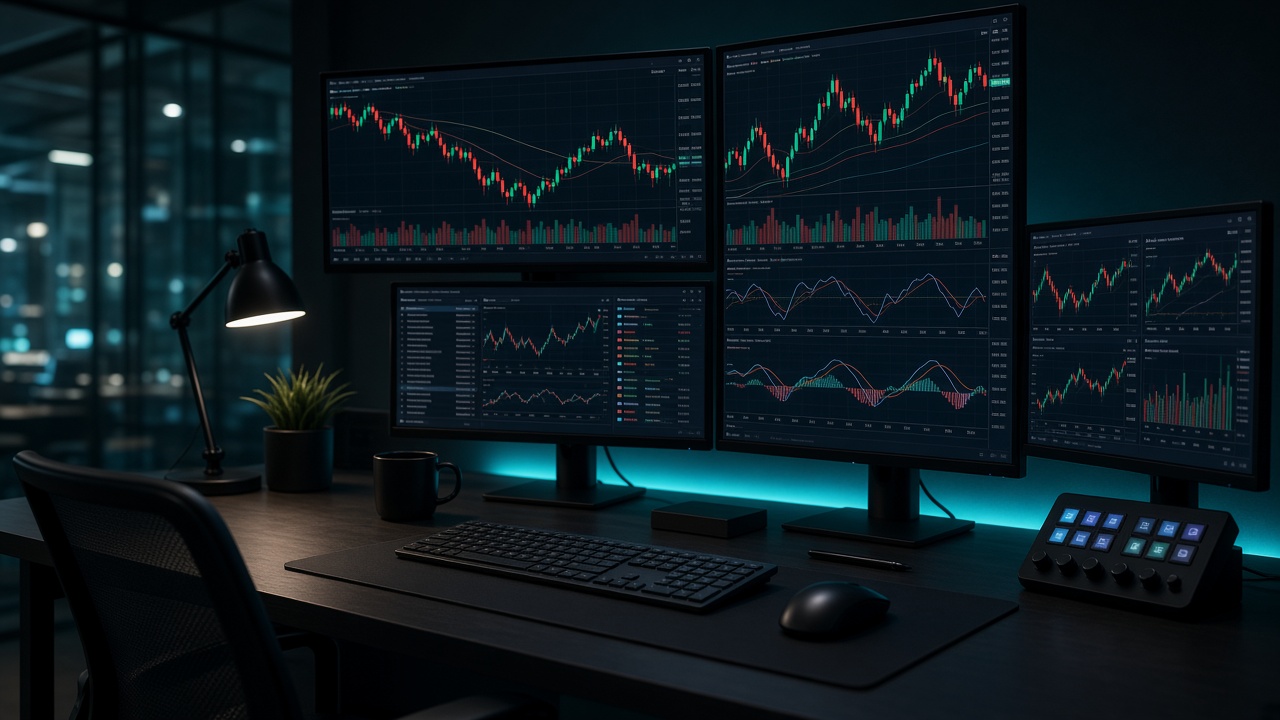
Each terminal loads history, indicators, and EAs into RAM. Close unused charts, prune old logs, and avoid launching heavy backtests on the same box that runs live EAs. If Windows feels sluggish, reduce terminals or move up a plan.
Startup after reboot
Place shortcuts for every required terminal into the Windows Startup folder so they reopen after maintenance reboots. Re-check AutoTrading on each instance — the toolbar state is per terminal.