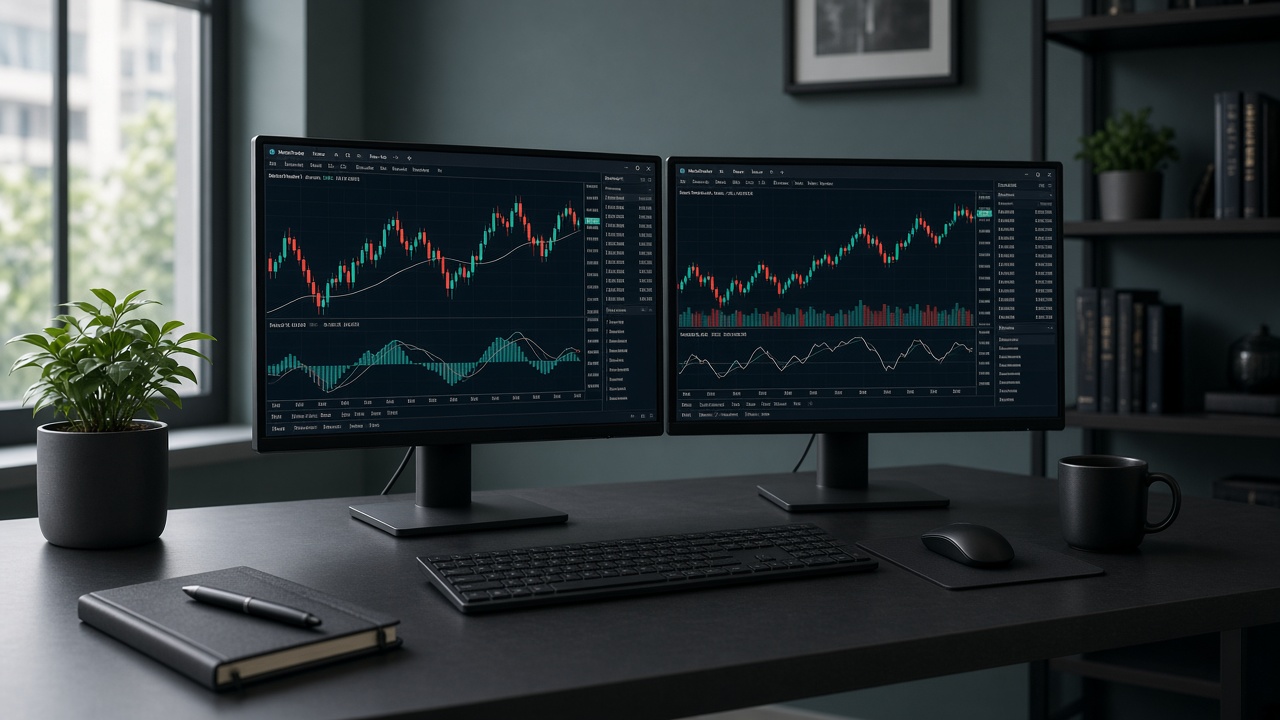
Read ping inside MetaTrader
Log into the live or demo account on the VPS. Look at the bottom-right status bar: you should see Connected and a ping in milliseconds. That value is RTT to the selected trade server. Hover or open Journal if your build hides details.
Confirm you are on the intended server
File → Login to Trade Account and verify the exact server string from your broker (not a random backup). A London server from a Singapore VPS will show higher ping even if the VPS itself is healthy.
Optional: traceroute / path checks
Advanced users can run path tests toward the broker hostname from the VPS, but for day-to-day trading the MetaTrader ping is the metric that matches order routing. Keep screenshots when comparing locations.
Interpret Singapore vs Tokyo numbers
Expect low single-digit to low-teens ms toward nearby SEA brokers from Singapore, and competitive Japan/APAC figures from Tokyo. If you see 50–150 ms+ constantly to a supposedly local Asian broker, switch PoP or server — see the location guide.
When high ping is “normal”
Volatility spikes, broker maintenance, or a distant failover server can raise ms temporarily. Re-check after 10–15 minutes. If ping is fine but fills still slip, review spreads and EA logic — latency is only one factor.