Forex VPS vs ordinary VPS hosting
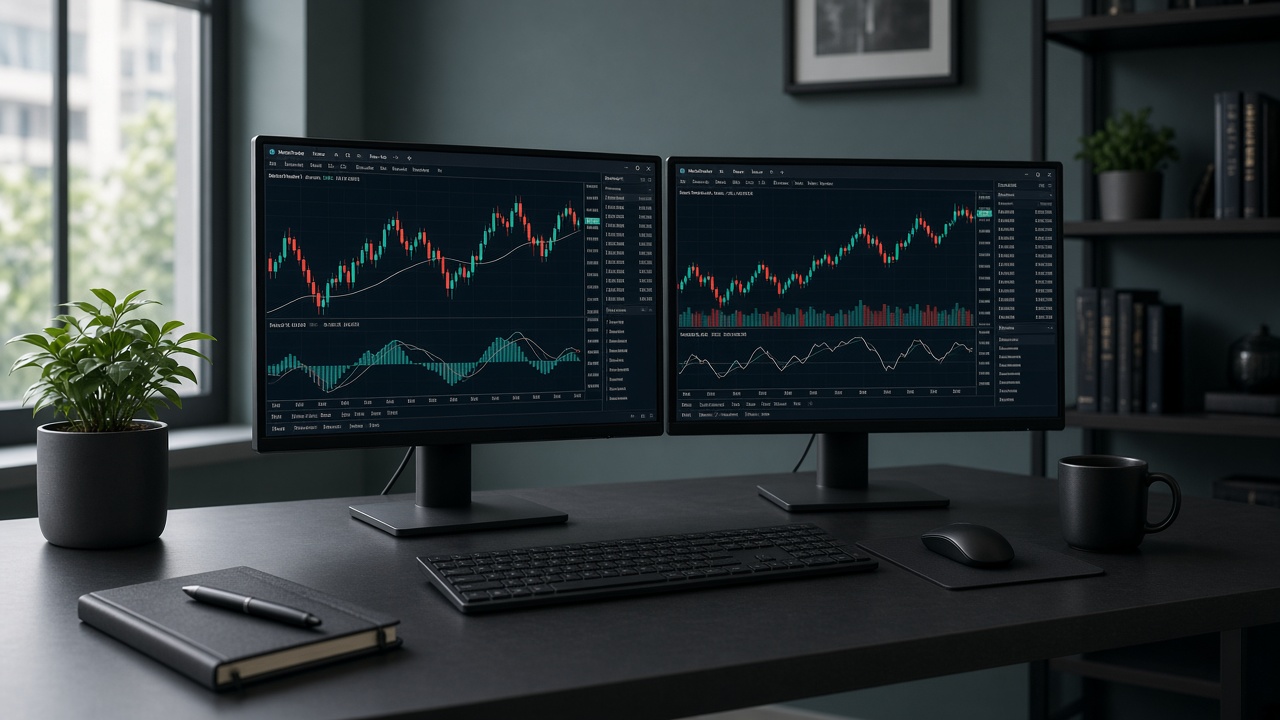
A generic Linux VPS is built for websites and SSH. A Forex VPS is a Windows environment reached over RDP, tuned for MetaTrader workloads: reserved CPU/RAM, NVMe for terminals, and network routes toward FX brokers. You install the same MT4/MT5 build your broker provides — then trade from the data centre, not from home Wi‑Fi.
Why traders use a VPS
Home PCs reboot, lose power, and sit far from broker servers. That adds latency (slippage risk) and downtime for EAs. A trading VPS stays online through Asia–London–New York sessions, keeps AutoTrading enabled, and places your terminal closer to SEA or Japan broker PoPs when you pick Singapore or Tokyo.
Latency in plain terms
Latency is the round-trip time from MetaTrader to the broker trade server. Lower ms usually means fills closer to the price you saw. Scalpers, news traders, and delay-sensitive EAs feel this most. A Singapore VexaVPS typically targets ~1–5 ms toward SEA routes; Tokyo ~3–8 ms toward Japan/APAC — always measure ping in the MT status bar for your exact server.
Who should get a Forex VPS
Anyone running Expert Advisors overnight, managing multiple charts, or needing stable execution away from home internet. Manual day traders also benefit from a low-latency PoP when their broker is in Asia. If you only open charts occasionally on a phone, a VPS is optional — but the moment you need 24/7 automation, it becomes the default setup.
What you receive after order
After activation you get a public IP, Windows username (often Administrator), and password. Connect with Remote Desktop, set Sleep to Never, install MetaTrader from your broker, then disconnect without signing out so the session keeps trading. Payment on VexaVPS is currently via PayPal; confirm your order in chat after checkout so provisioning can proceed.