Блог VexaVPS
Практические материалы для трейдеров MetaTrader — доступ к Windows VPS, EA 24/7 и низкая задержка к брокерам Singapore и Tokyo.
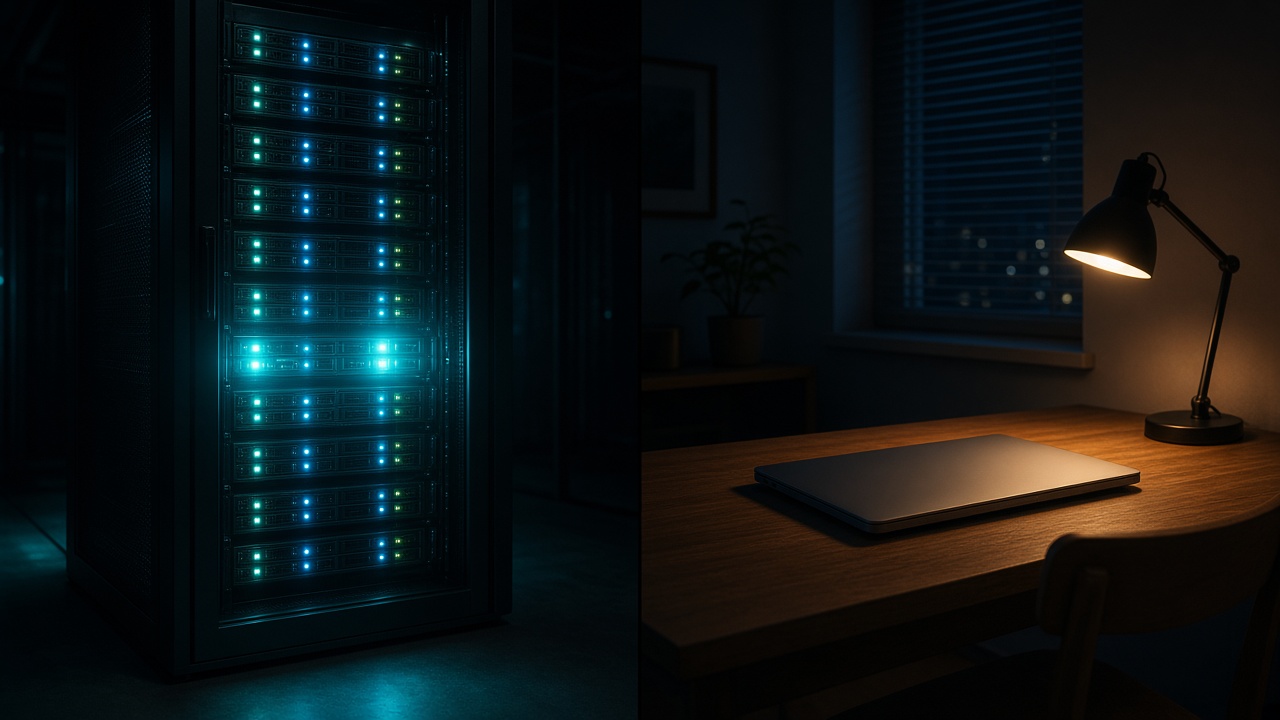
Forex VPS vs home PC — which should traders use?
Compare Forex VPS and home PC for MetaTrader: uptime, latency to Singapore/Tokyo brokers, EA reliability, power/internet risk, and when a VPS is worth it.
7 min read
How to run multiple MetaTrader terminals on one VPS
Install several MetaTrader terminals on one Windows VPS: separate folders, unique shortcuts, RAM planning, and plan limits for Scalper through Fund Desk.
9 min read
How to check MT4/MT5 ping from your VPS
Measure Forex VPS latency: read MetaTrader ping in the status bar, compare Singapore vs Tokyo, verify the correct trade server, and know when high ms means wrong location.
6 min read
How to upload an EA to your VPS via RDP
Transfer Expert Advisors to your Forex VPS: enable RDP clipboard or drive redirection, open MetaTrader Data Folder, place .ex4/.ex5 in Experts, restart, and attach to a chart.
8 min read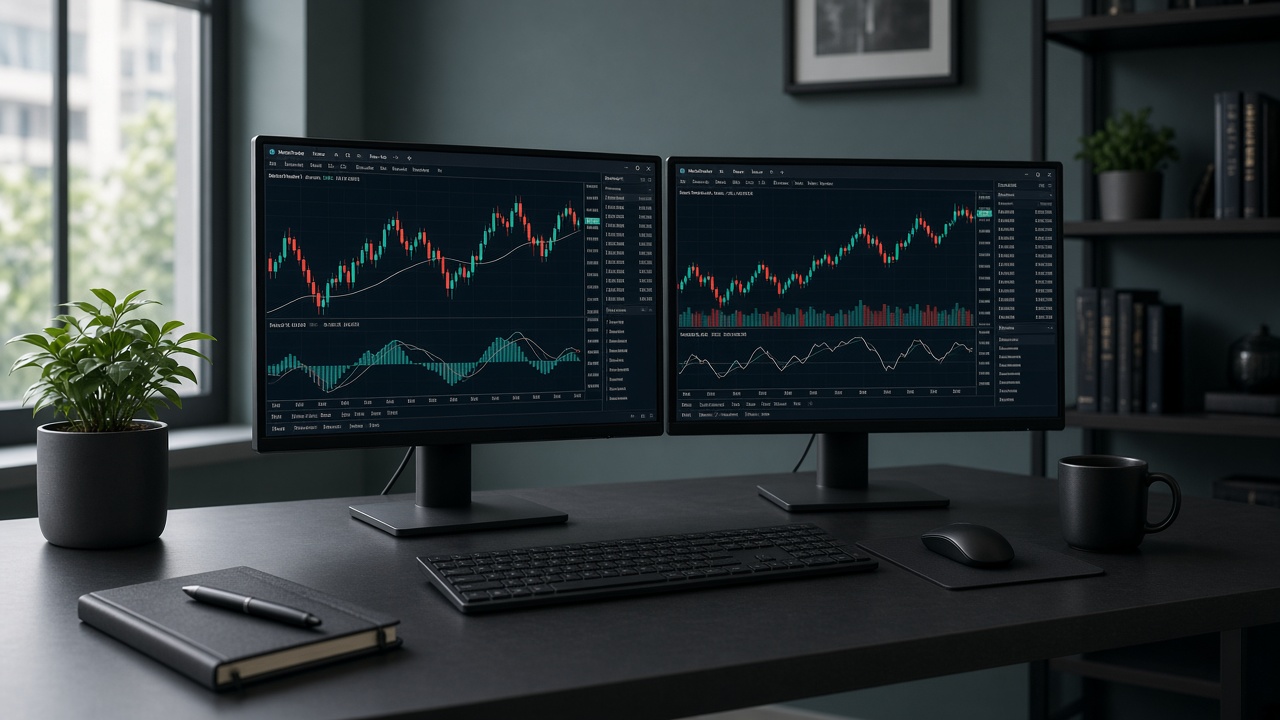
How to use a Forex VPS step by step
End-to-end Forex VPS setup: order a plan, connect via RDP, install MT4/MT5 from your broker, attach EAs, enable AutoTrading, and disconnect safely.
12 min read
What is a Forex VPS?
A Forex VPS is a always-on Windows server next to broker routes so MetaTrader and Expert Advisors keep trading when your PC is offline. Learn benefits, latency, and who needs one.
7 min read